> For the complete documentation index, see [llms.txt](https://docs.ineom-tsel.mit.id/llms.txt). Markdown versions of documentation pages are available by appending `.md` to page URLs; this page is available as [Markdown](https://docs.ineom-tsel.mit.id/eatp/asset-movement/site-regular-to-wh/check-out-ticket-atp.md).

# Check Out Ticket ATP

{% hint style="info" %}
Check out ticket ATP dilakukan setelah proses pengerjaan tiket AM asset dismantle dan tiket AM asset storing telah selesai (status: **Closed**).

Proses check out ticket ATP terdiri dari:

1. Synchronize
2. Installation photo
3. Check out
   {% endhint %}

## Synchronize

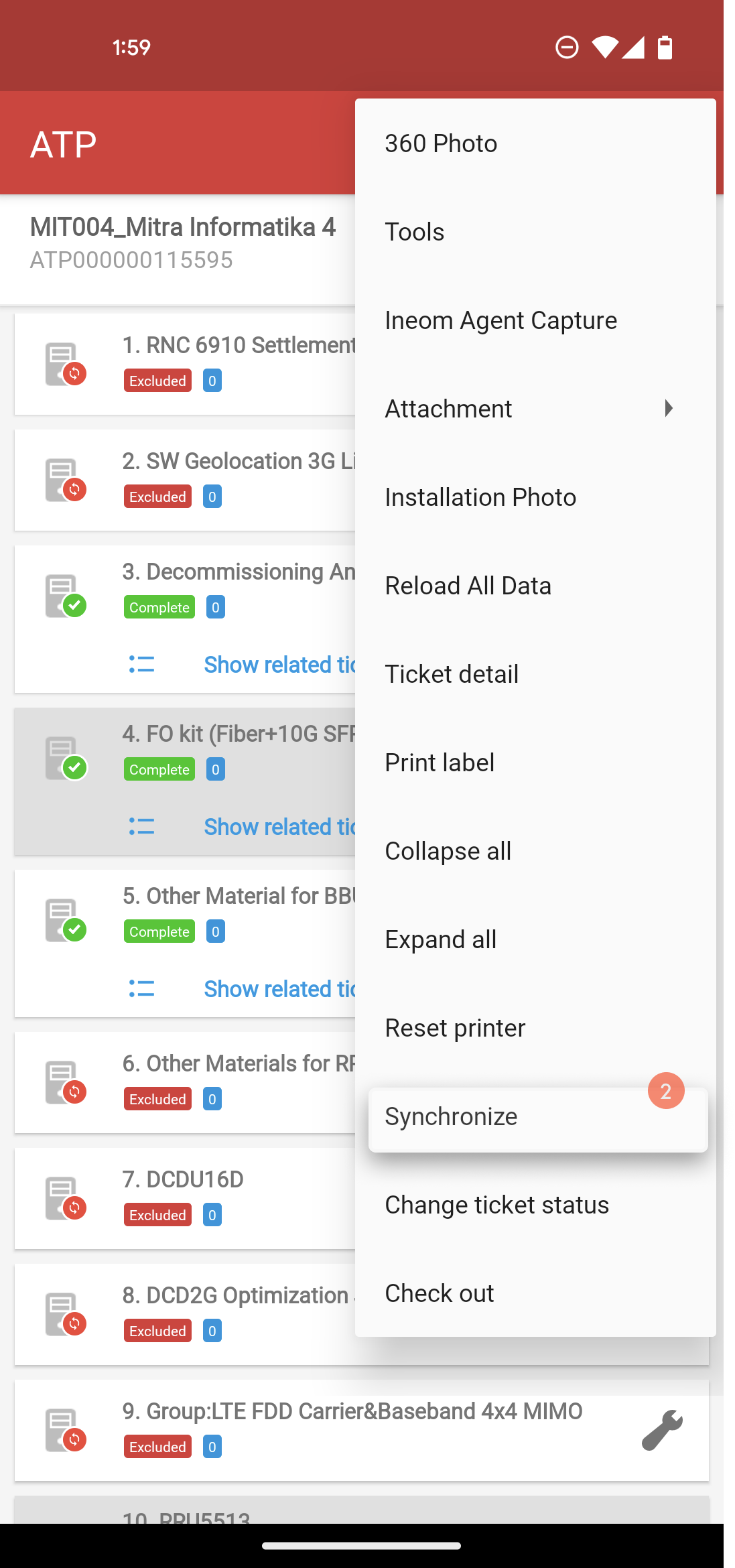
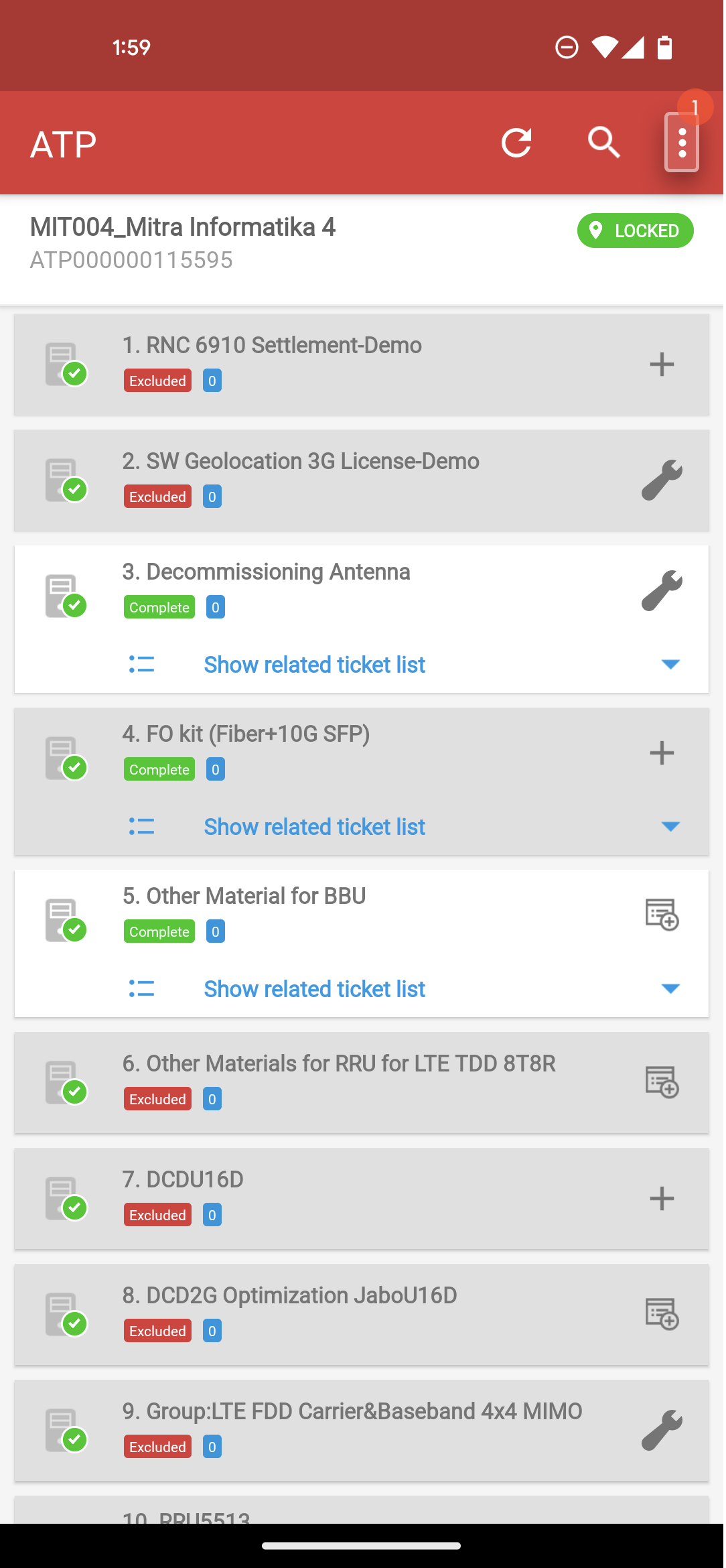
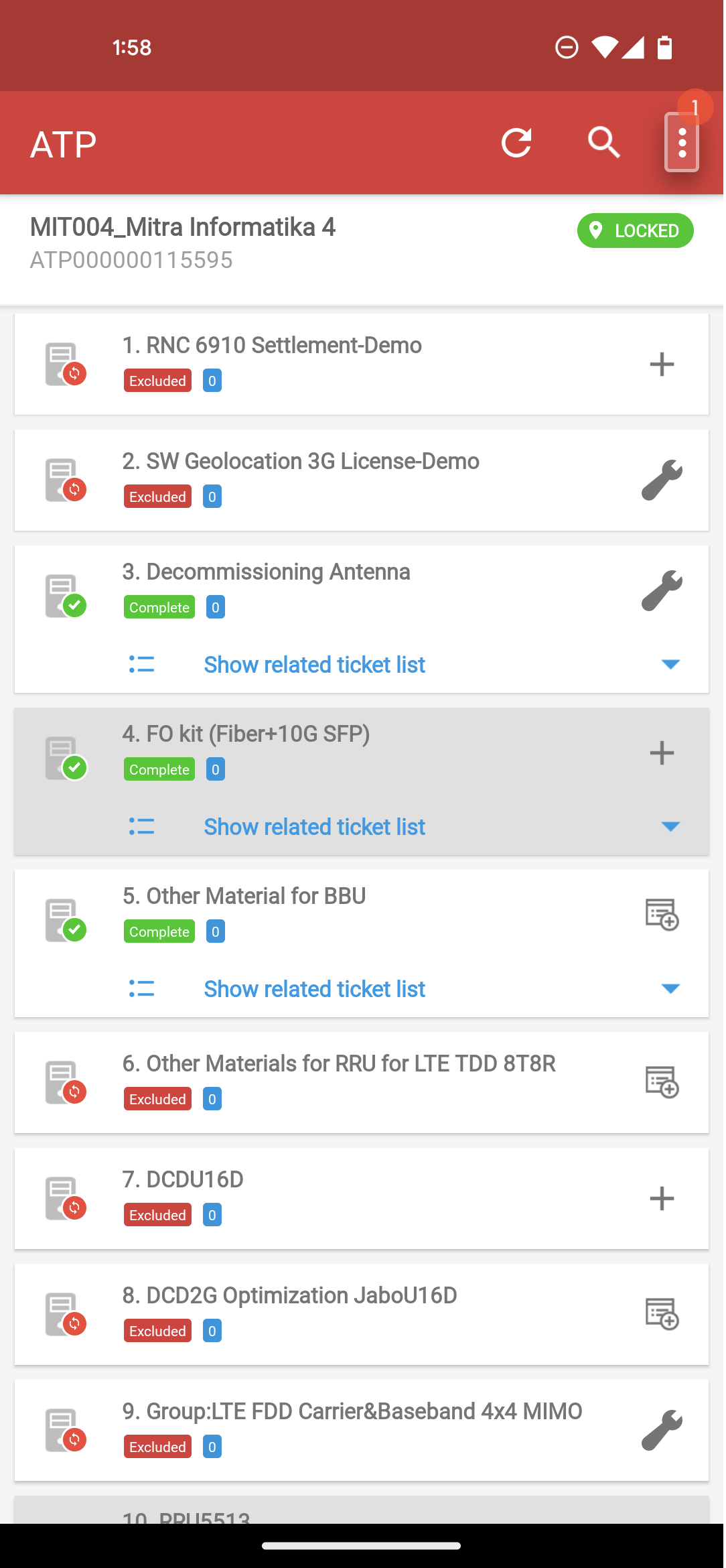
Klik menu option pada halaman ATP.

Klik `Synchronize`.

Klik `YES`.

<div><figure><img src="/files/AXNjC4gQhNTrU6ppddRS" alt=""><figcaption></figcaption></figure> <figure><img src="/files/Hp8Byc98wjDJs5EkjpQt" alt=""><figcaption></figcaption></figure> <figure><img src="/files/KHYiFswyoCviukiTIAGm" alt=""><figcaption></figcaption></figure> <figure><img src="/files/2ZtYOFCQwbYDqI0ZKnrW" alt=""><figcaption></figcaption></figure></div>

## Installation Photo

Klik menu option pada halaman ATP.

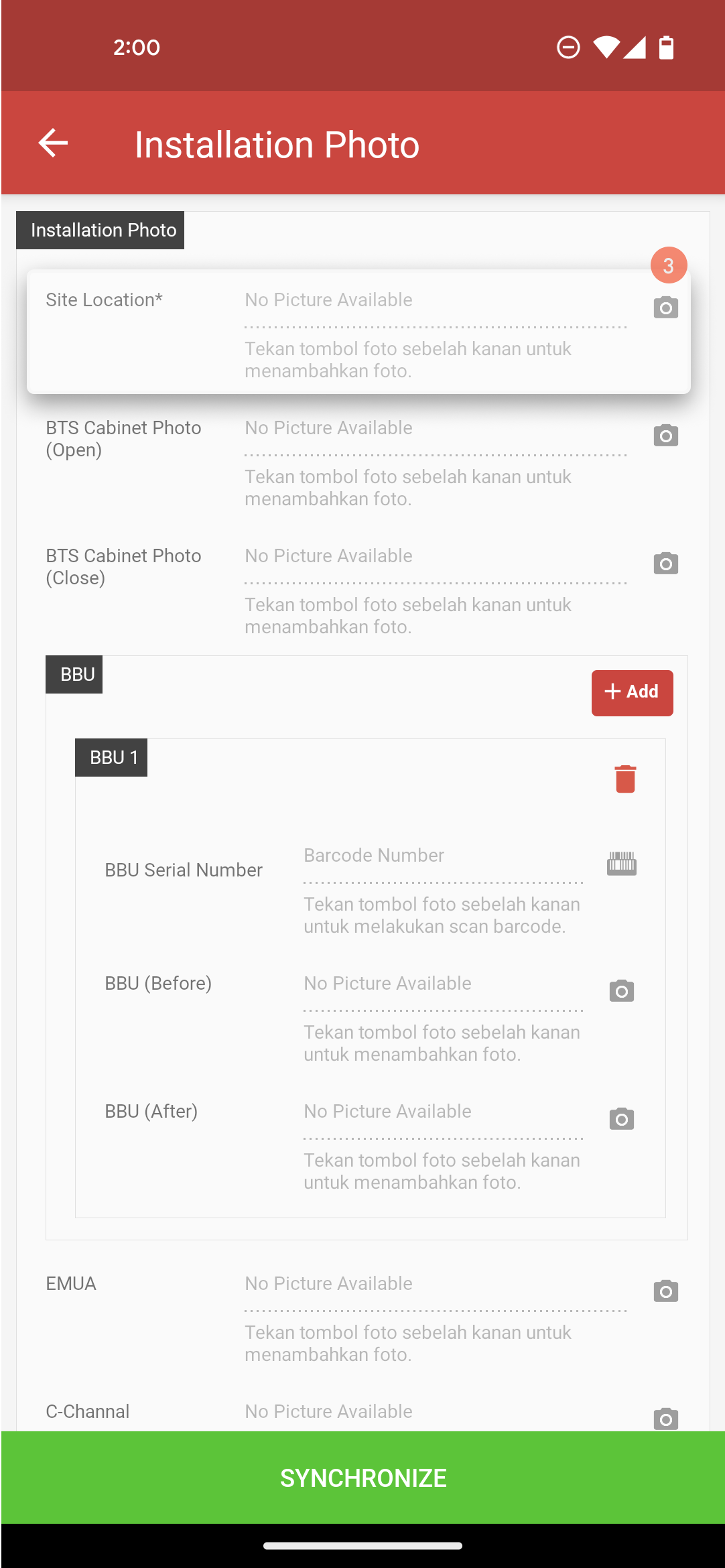
Klik `Installation Photo`.

Klik ikon 📷 untuk pengambilan foto site dan tower.

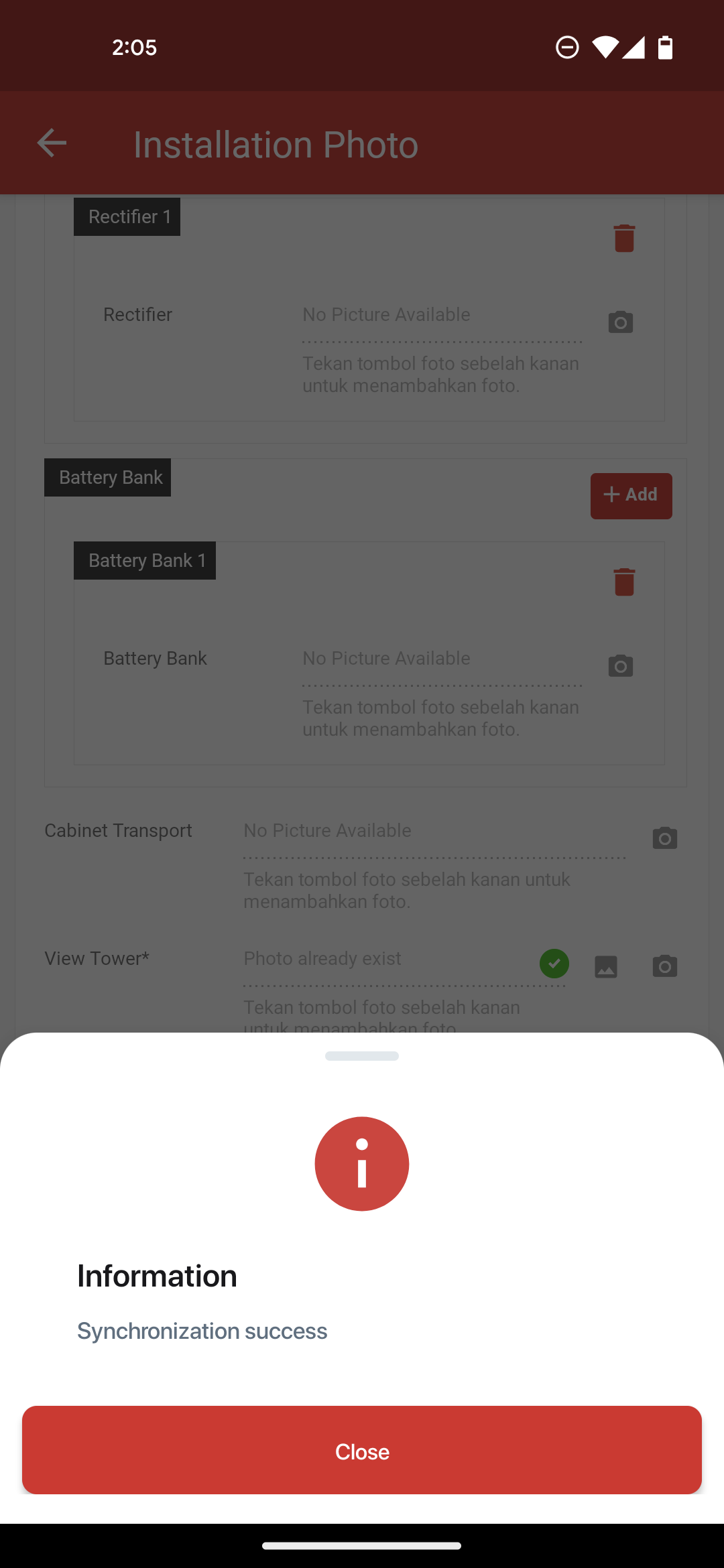
Klik `SYNCHRONIZE`.

Klik `YES`.

<div><figure><img src="/files/pAv40MdmwVsHxqC0kOwg" alt=""><figcaption></figcaption></figure> <figure><img src="/files/aXaODGHpLbfsBKIpnFHy" alt=""><figcaption></figcaption></figure> <figure><img src="/files/zgG7NuA9PfzNOcpvnYRo" alt=""><figcaption></figcaption></figure> <figure><img src="/files/nbpysTdvMV9AVf5vDKld" alt=""><figcaption></figcaption></figure> <figure><img src="/files/TiNOCINyjjHfrY0hTom2" alt=""><figcaption></figcaption></figure> <figure><img src="/files/qLMk17rf3e1BQKVWcBpN" alt=""><figcaption></figcaption></figure></div>

## Check Out

Klik menu option pada halaman ATP.

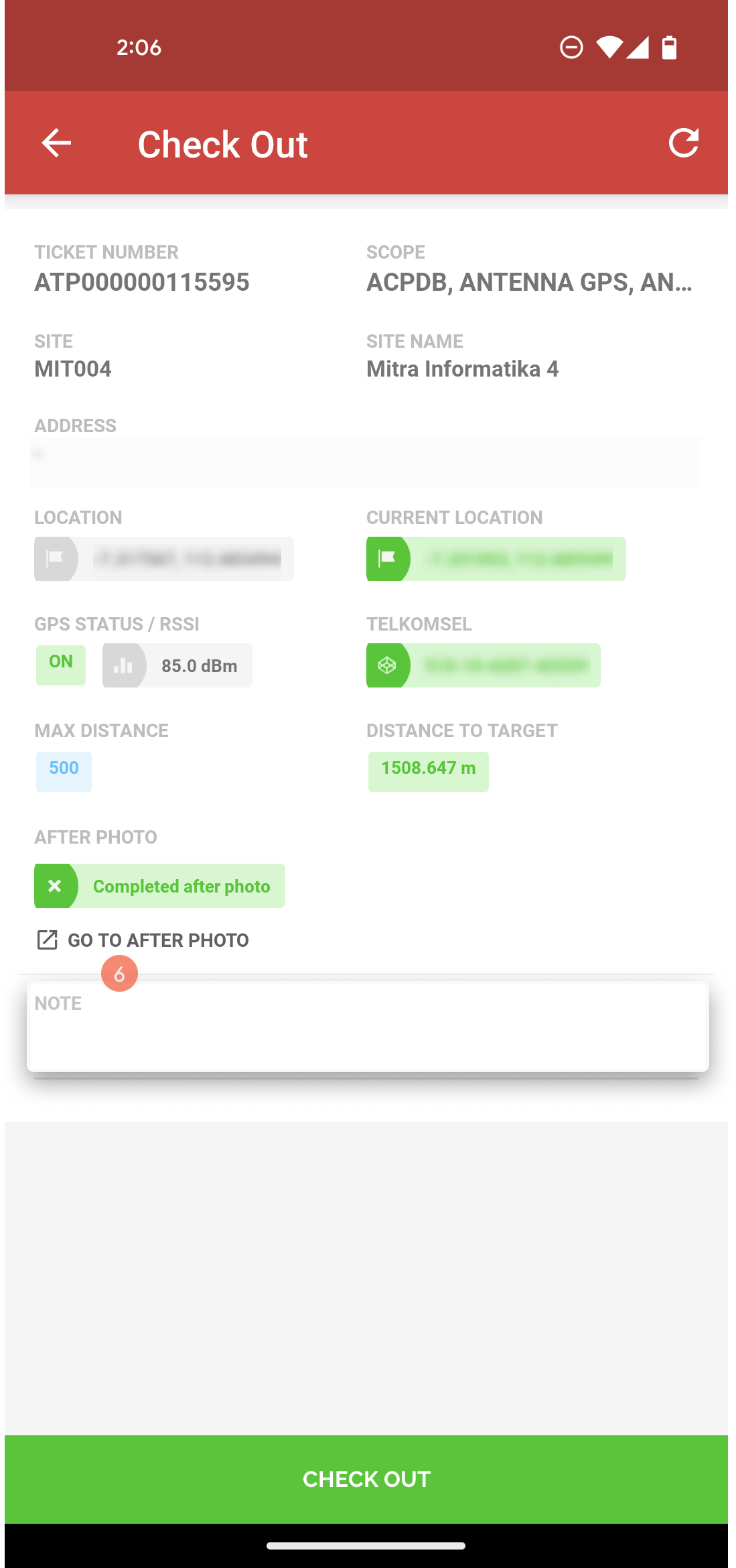
Klik menu `Check Out`.

Klik `GO TO AFTER PHOTO` untuk melengkapi foto.

Klik ikon 📷 untuk pengambilan foto site bagian depan, belakang, samping kiri, dan kanan site.

Klik `CHECK OUT`.

Isi catatan.

Klik `CHECK OUT`.
<div><figure><img src="/files/M68feQMRWagODp8jjdfu" alt=""><figcaption></figcaption></figure> <figure><img src="/files/ULSWZRxcrBTWJR64N7C3" alt=""><figcaption></figcaption></figure> <figure><img src="/files/whXdOzVjDeu6rjR3llUM" alt=""><figcaption></figcaption></figure> <figure><img src="/files/riLU9jtlRAyz7FkwvtSS" alt=""><figcaption></figcaption></figure> <figure><img src="/files/V5MqBt2pygJoQJRfz8lm" alt=""><figcaption></figcaption></figure> <figure><img src="/files/Ci9t2Tiu1k8EkqBDJxh0" alt=""><figcaption></figcaption></figure> <figure><img src="/files/lewHo5ZXW0SXArwjnJSK" alt=""><figcaption></figcaption></figure></div>