> For the complete documentation index, see [llms.txt](https://docs.ineom-tsel.mit.id/llms.txt). Markdown versions of documentation pages are available by appending `.md` to page URLs; this page is available as [Markdown](https://docs.ineom-tsel.mit.id/amesty/asset-troubleshoot/ttc/check-out.md).
# Check Out
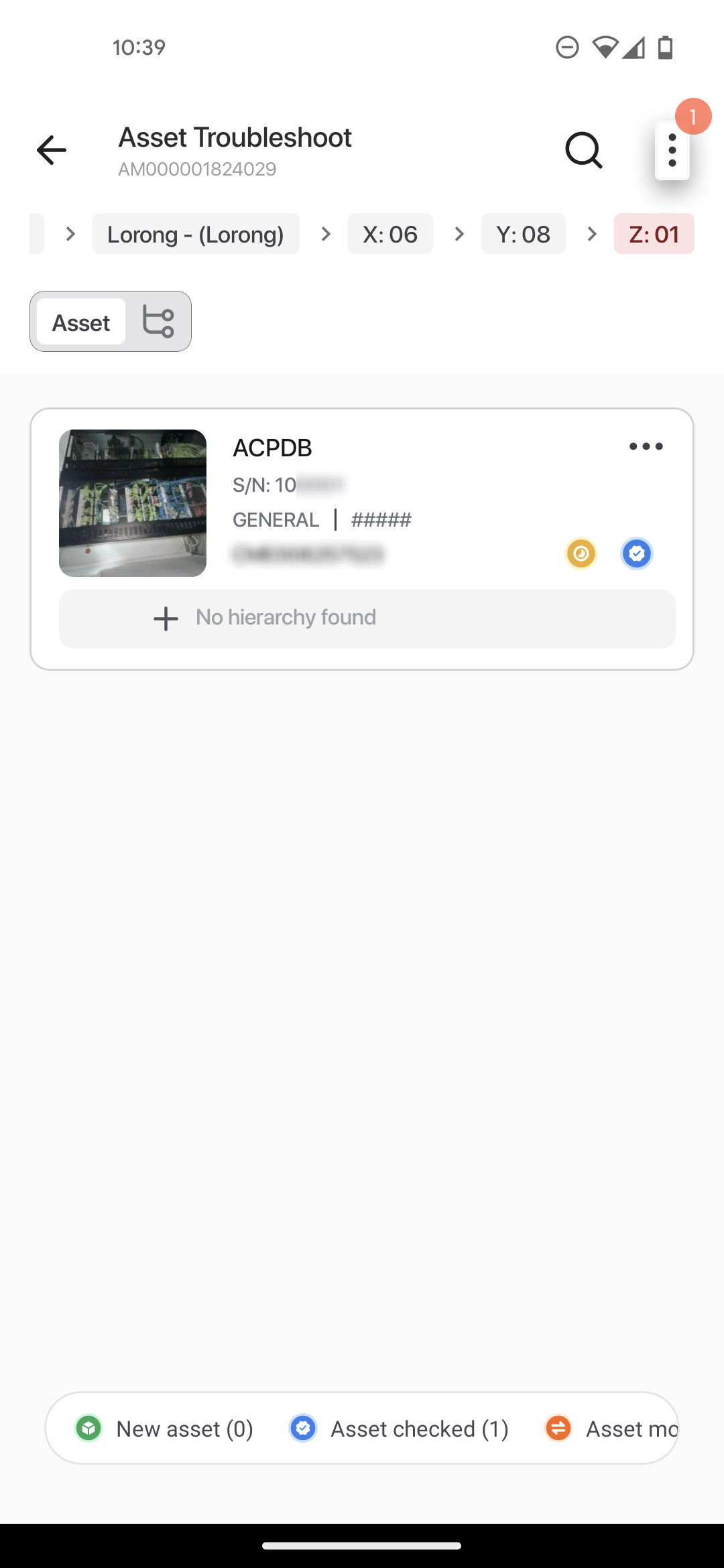
Klik menu option pada halaman Asset Troubleshoot.
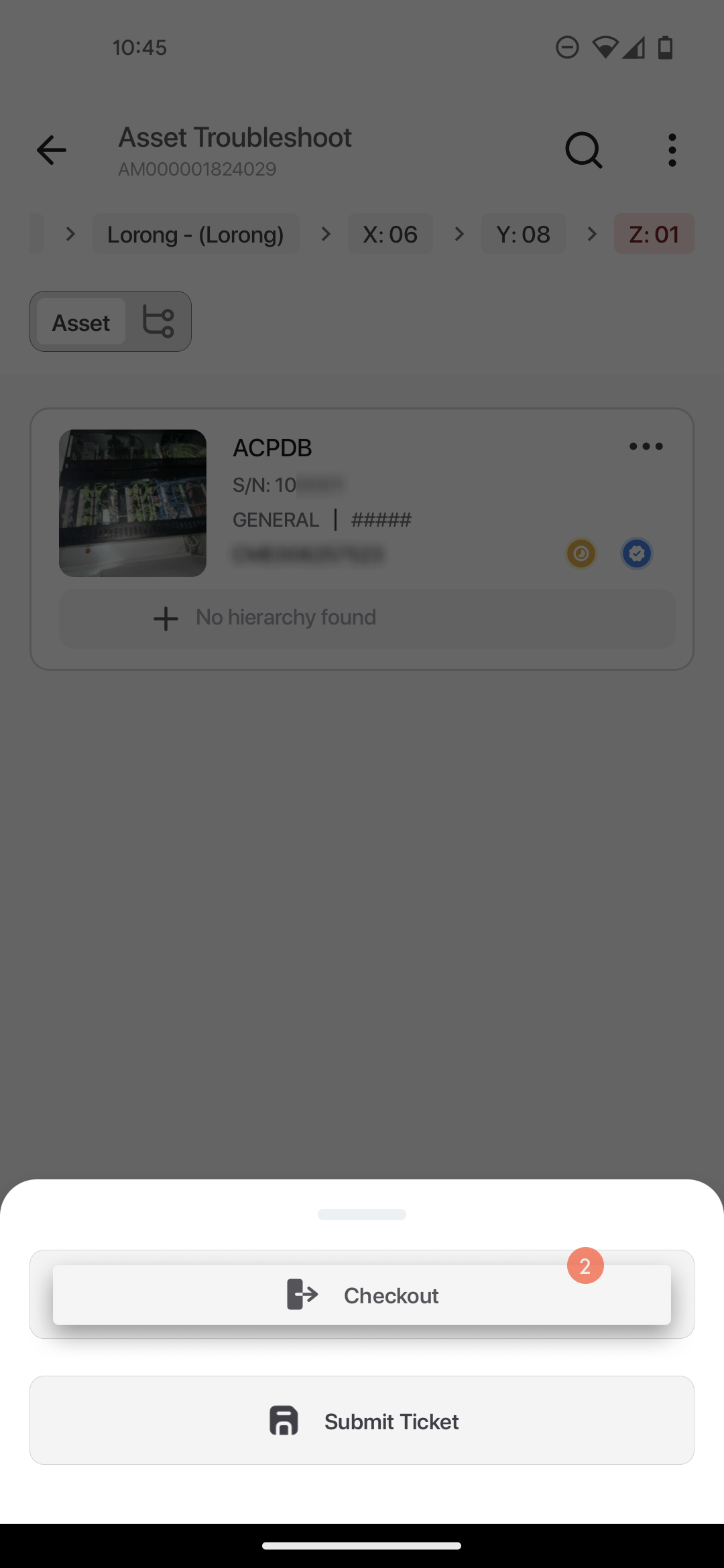
Klik `Checkout`.
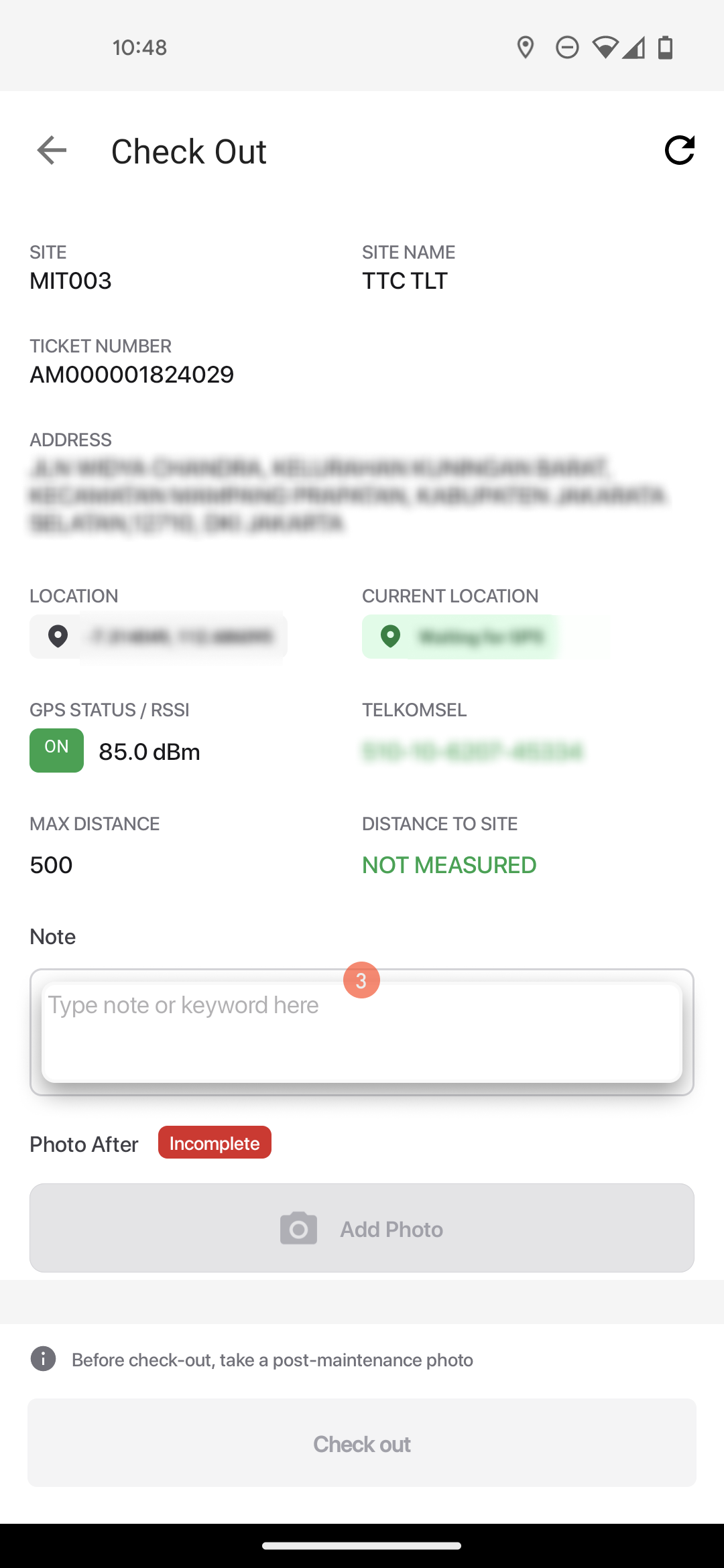
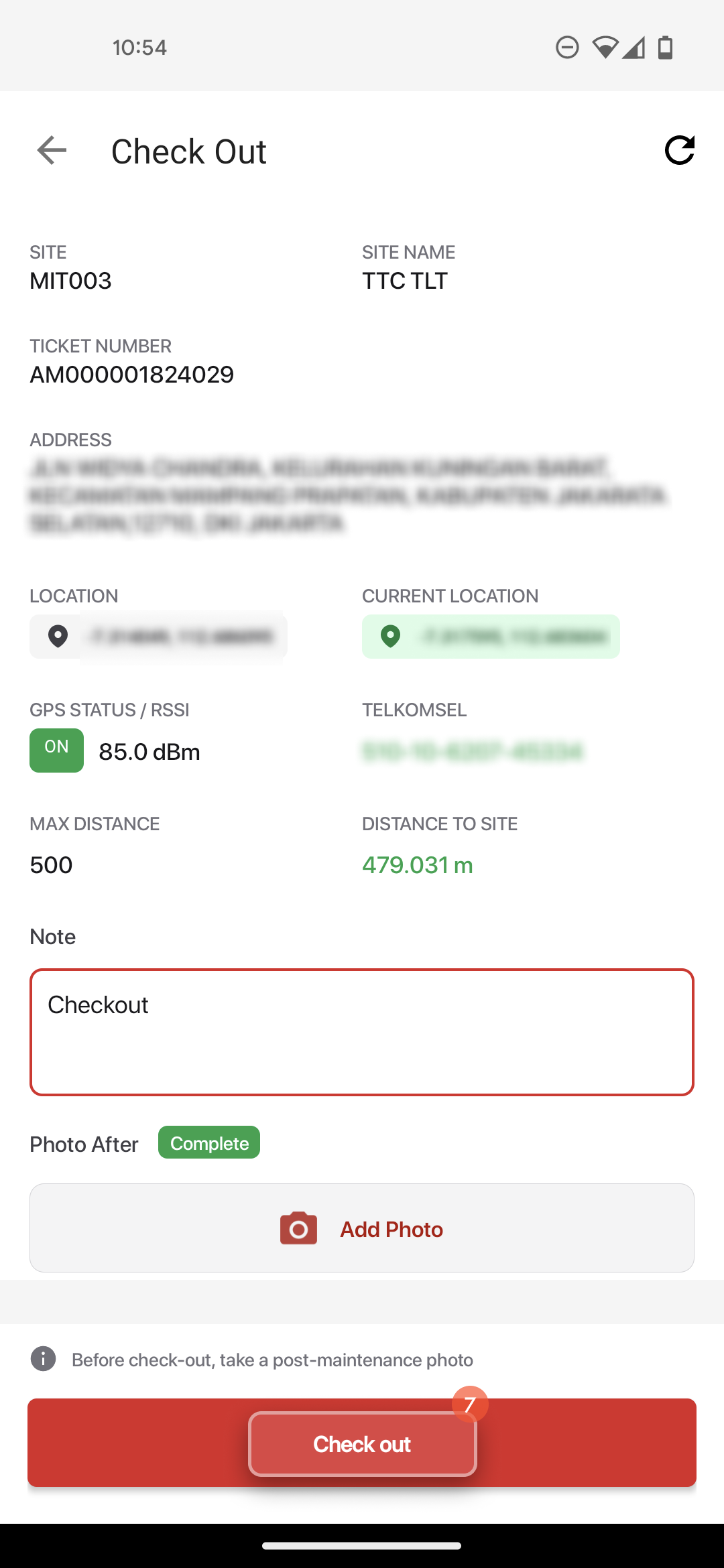
Isi catatan.
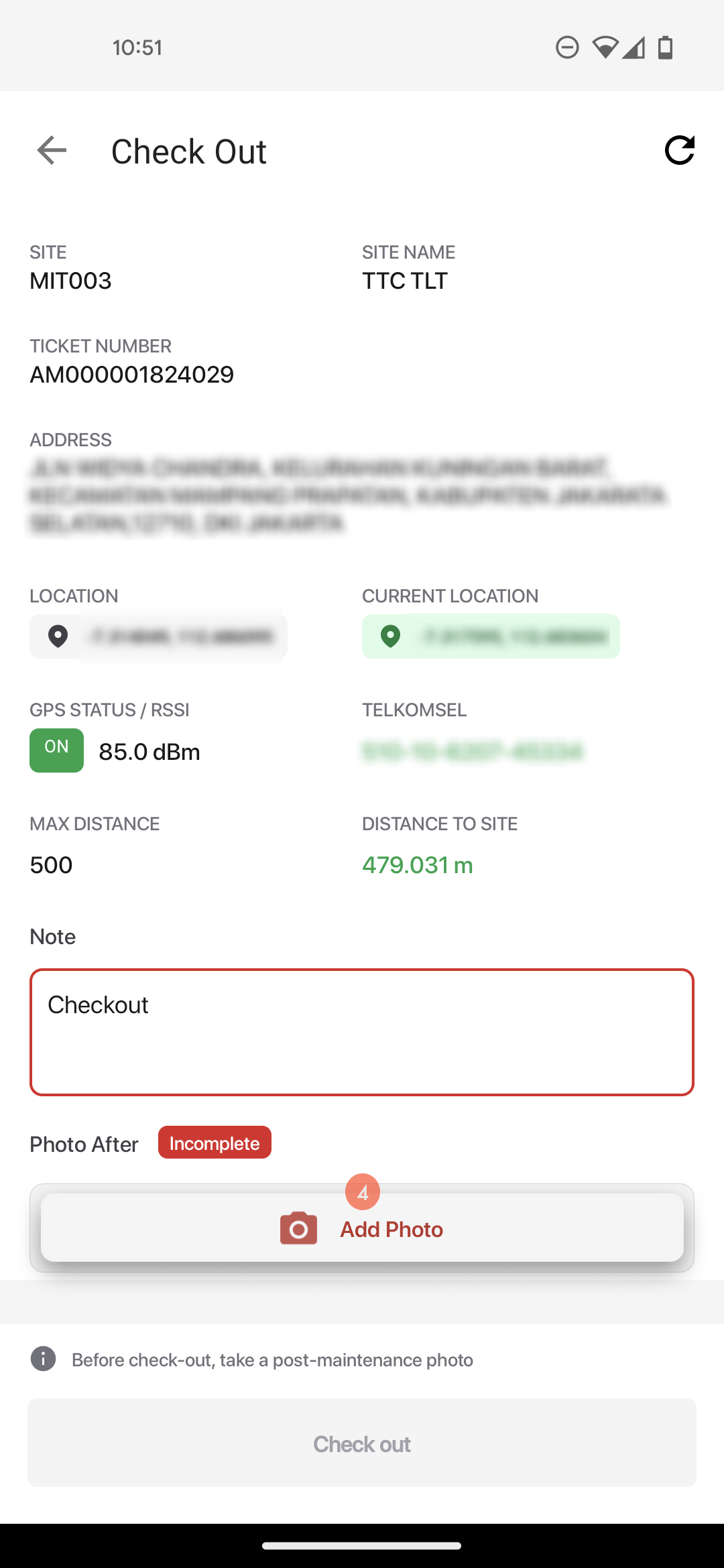
Klik `Add Photo`.
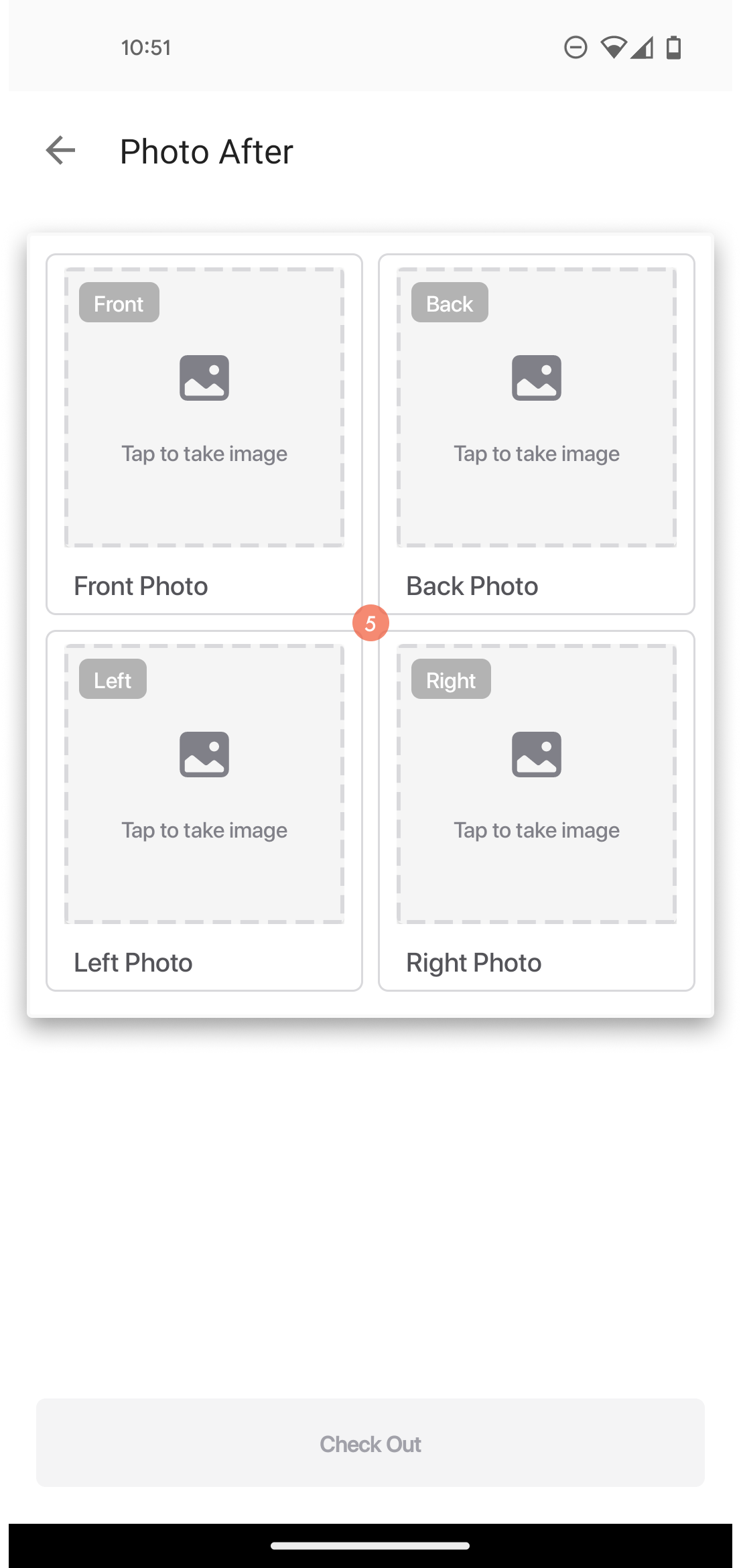
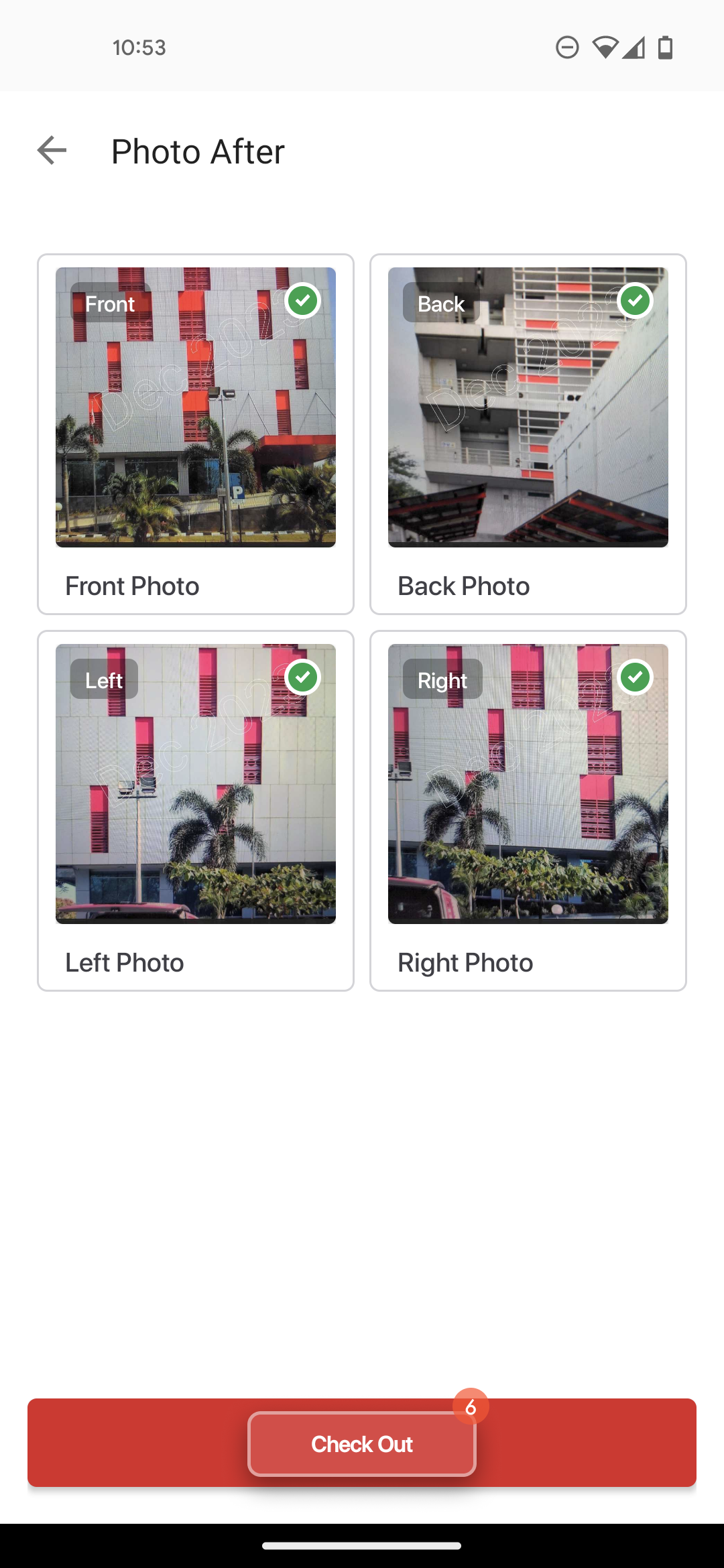
Klik ikon 📷 untuk pengambilan foto site bagian depan, belakang, samping kiri, dan kanan site.
Klik `Check Out`.
Klik `Check out`.
{% hint style="info" %}
Setelah proses check out, akan muncul dialog Confirmation untuk proses submit:
 * Klik Cancel: Apabila user hanya akan melakukan check out.
* Klik Confirm: Apabila user akan melakukan check out dan submit ticket.
{% endhint %}
* Klik Cancel: Apabila user hanya akan melakukan check out.
* Klik Confirm: Apabila user akan melakukan check out dan submit ticket.
{% endhint %}